Quote:
Originally Posted by OphReader

At 120% I could read this file nicely, but the complete page does not fit on the screen any more.
|
Right. but it will scroll the page. First it will show the top portion then the bottom portion, then the next page etc. You do this by using the directional pad and clicking down.
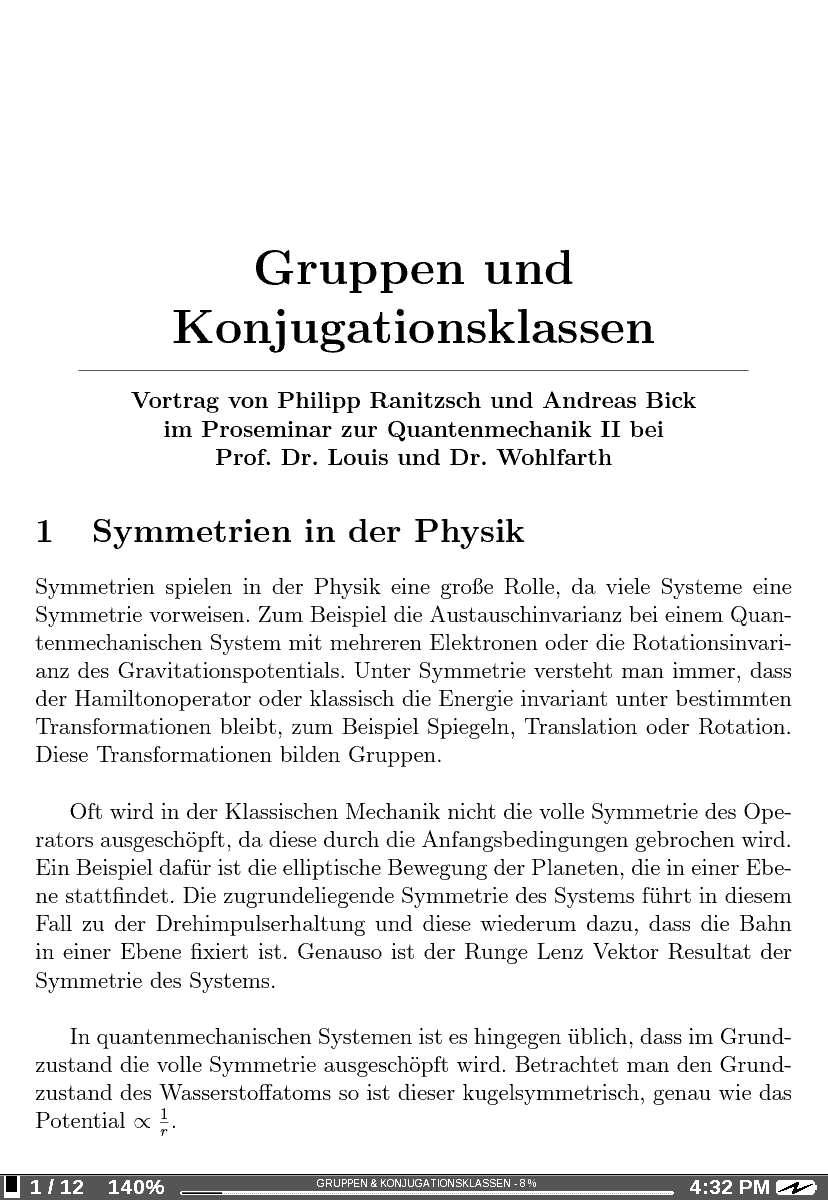
The little square in the lower left indicates which portion of the current page you are seeing. Ive attached a couple of screen shots of the first page of the document zoomed to 140%.
Top of Page 1
Bottom of page 1

the dashed line on the bottom half indicates where it cut the page so you can quickly find where the upper half left off